History
History shows what Cuebot did and why: every action that ran, and every event that came in. It is the first place to look when an action did not do what you expected.
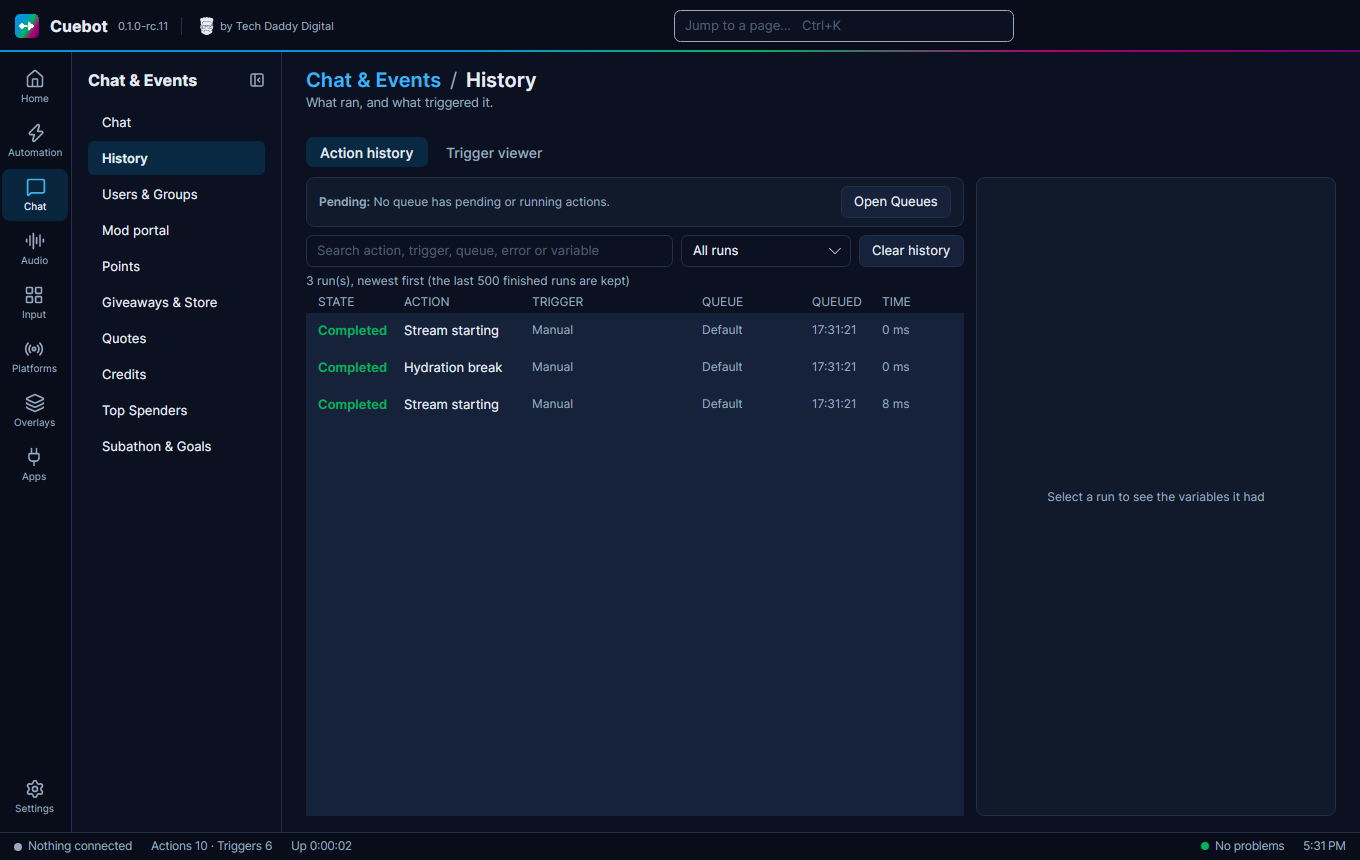
Action history
Chat > History lists every run: what ran, what started it and the values it had. Select a run to see its variables. Run again with these variables repeats it. Cancel run stops one that is still going. Open action jumps to the action. Open Queues opens the Queues page, and Clear history empties the list.
Trigger viewer
The Trigger viewer tab shows every event that comes in, like a follow, a chat message or a scene change, even when no action uses it. Select one to see its variables. Two handy buttons:
- Create action from this trigger makes a new action that starts on this kind of event, and opens it.
- Pause stops the list from moving, so you can read it. Your actions still run as normal.