VTuber apps
Cuebot can talk to the apps that move your avatar. A viewer redeems a reward, and your model changes outfit, throws a prop, or shows a new face.
The basics
Every app has a card on Apps > Stream apps, on the VTuber apps tab. Open the app first, then press Connect on its card. None of these apps needs a password. Each app's steps are under its name in the sub-action list, like veadotube > Change avatar state.
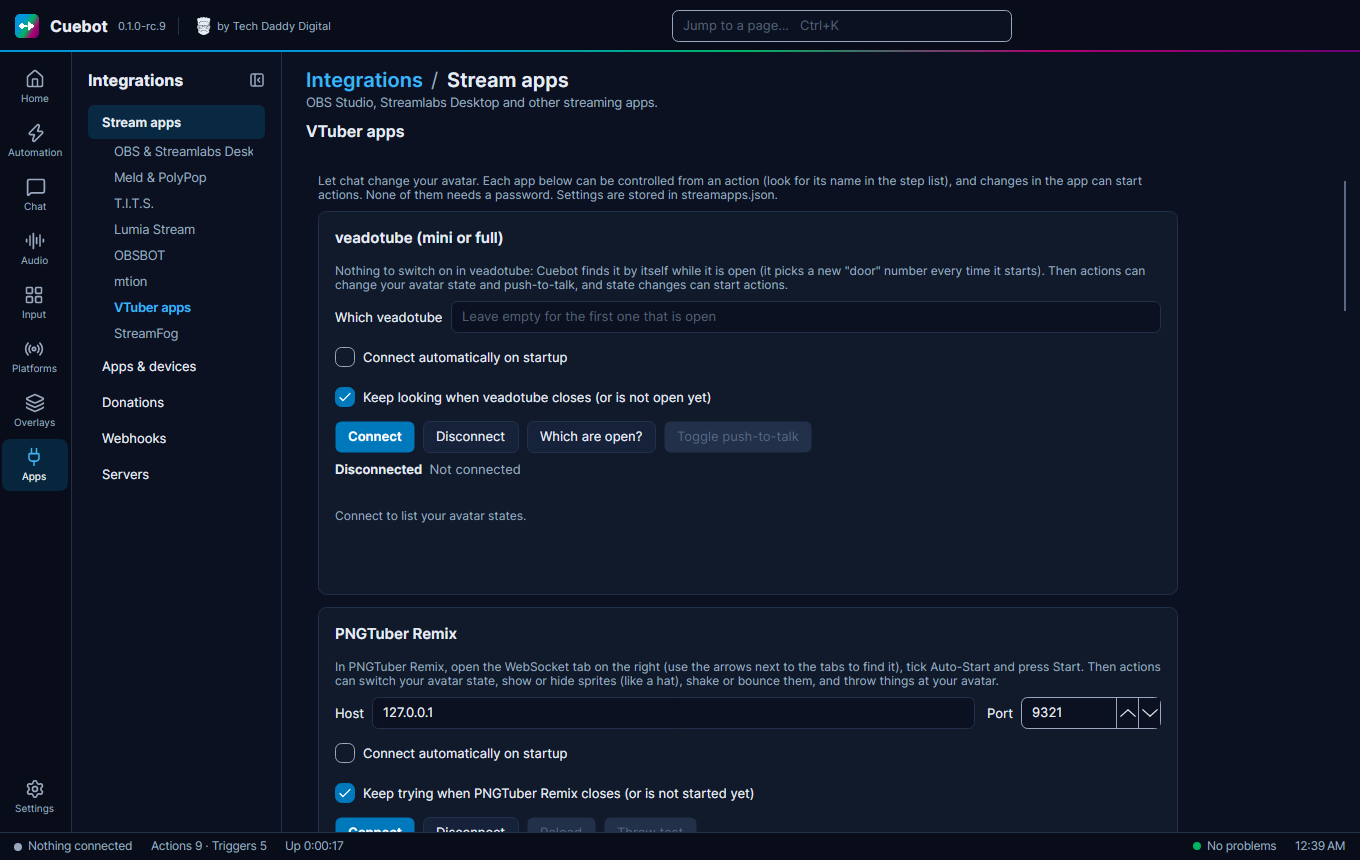
veadotube mini, PNGTuber Remix, RahiTuber, VNyan and Warudo were tried with the real apps. VRChat, nizima LIVE, Animaze and VMC are experimental: they may not work yet.
Which app does what
| App | What Cuebot can do | What you switch on in the app |
|---|---|---|
| veadotube mini and veadotube | Change your avatar state, turn push-to-talk on or off. Starts actions when the state or push-to-talk changes. | Nothing. Cuebot finds veadotube by itself while it is open. |
| PNGTuber Remix | Change your avatar state, show or hide sprites, shake, bounce or move them, throw things at your avatar, load another model. | The WebSocket tab: tick Auto-Start and press Start. |
| RahiTuber | Press your states, like their hotkeys: tap them, let go, or hold them for some seconds. | Preferences > Integration > Control States via HTTP. |
| VNyan | Run your node graph with the Send to VNyan step. | Nothing. Add an API Message node in VNyan's node graph. |
| VRChat | Set avatar parameters, write in your chatbox, show the typing bubble. Starts actions when you change avatar or a parameter changes. | Action Menu > Options > OSC > Enabled. |
| Warudo | Run blueprints, flip toggles and send text. Starts actions when a toggle changes. | Add an On Stream Deck Trigger, Toggle or Message node to a blueprint. |
| nizima LIVE | Turn expressions on and off, play motions, press the model's hotkeys, show and hide items, swap models, switch effects. Starts actions when you select another model. | Plugin Manager: switch plug-ins on, then switch Cuebot on after the first Connect. |
| Animaze | Change avatar, background or quickscene, play emotes, special actions, poses and idles, turn the virtual camera on or off. Starts actions when you change avatar. | Settings > Animaze API: switch it on. |
| VSeeFace, VMagicMirror and other 3D apps (VMC) | Show expressions like a smile or an angry face, for a few seconds or until you change them. | The app's VMC receiver (VMC is a shared language many 3D apps speak). |
Using VTube Studio? It is on Apps > Apps & devices instead: see Lights, mixers and other apps.