Voice control
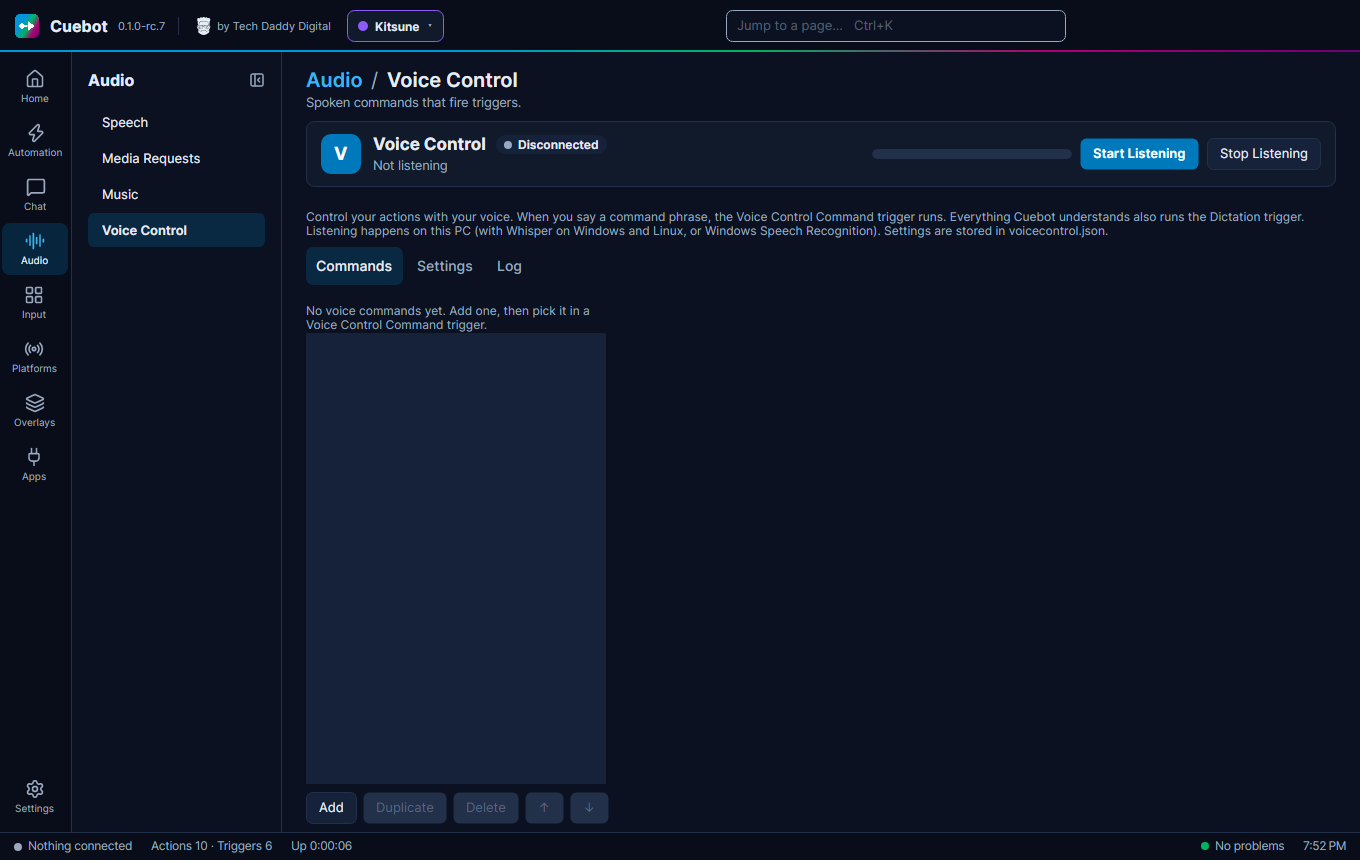
Voice control lets you say a phrase, and Cuebot runs an action. For example, say "start the countdown" to start a countdown, with your hands still on the game. It is on Audio > Voice Control.
Set it up
- Under Settings, pick your Audio Input Device (microphone) and a Recognition engine: Whisper (Windows and Linux) or Windows Speech Recognition.
- Using Whisper? Pick a Whisper model and click Download once. Bigger models understand better but are slower.
- Under Commands, click Add and type what to say in Command.
- Click Start Listening.
- In an action, add the Voice Control › Command trigger and pick your voice command.
Listening happens on your own computer. Nothing you say is sent to the internet.
Each command
Each command has a few more settings:
- Location: Exact means the phrase on its own, with a pause before and after. Start means what you say
begins with it, and the rest becomes
%spokenTextInput%(say "shout out Pixel Panda" and the action gets "Pixel Panda"). Anywhere means the phrase can be anywhere in a sentence. - Stop After runs the command the moment the phrase is heard, even while you are still talking.
- Override Global confidence gives this command its own Confidence Threshold: how sure Cuebot must be that it heard right.
The Settings tab
The Settings tab has more for fine-tuning:
- Auto Start Listen (when Cuebot starts): no need to click Start Listening every time.
- Confidence Threshold and Match tolerance: raise the first if Cuebot hears commands you didn't say; raise the second if it misses ones you did (it lets a few letters be different).
- Locale: the language you speak.
- Use a GPU runtime makes Whisper faster on a graphics card. Interim results lets Stop After commands react sooner, using more processor. Hint the command phrases to Whisper helps it spell your phrases the way you wrote them. Delete model frees the disk space again.
- Log Speech to Text Dictation writes everything it understood into the log file. The Log tab shows it live. Everything it understands also runs the Dictation trigger, for actions that listen to all you say.