Watchers
A watcher keeps an eye on your computer and starts your actions when something changes there: a new file, a new line in a log, or a program that opens. Handy for games that write what happens to a file.
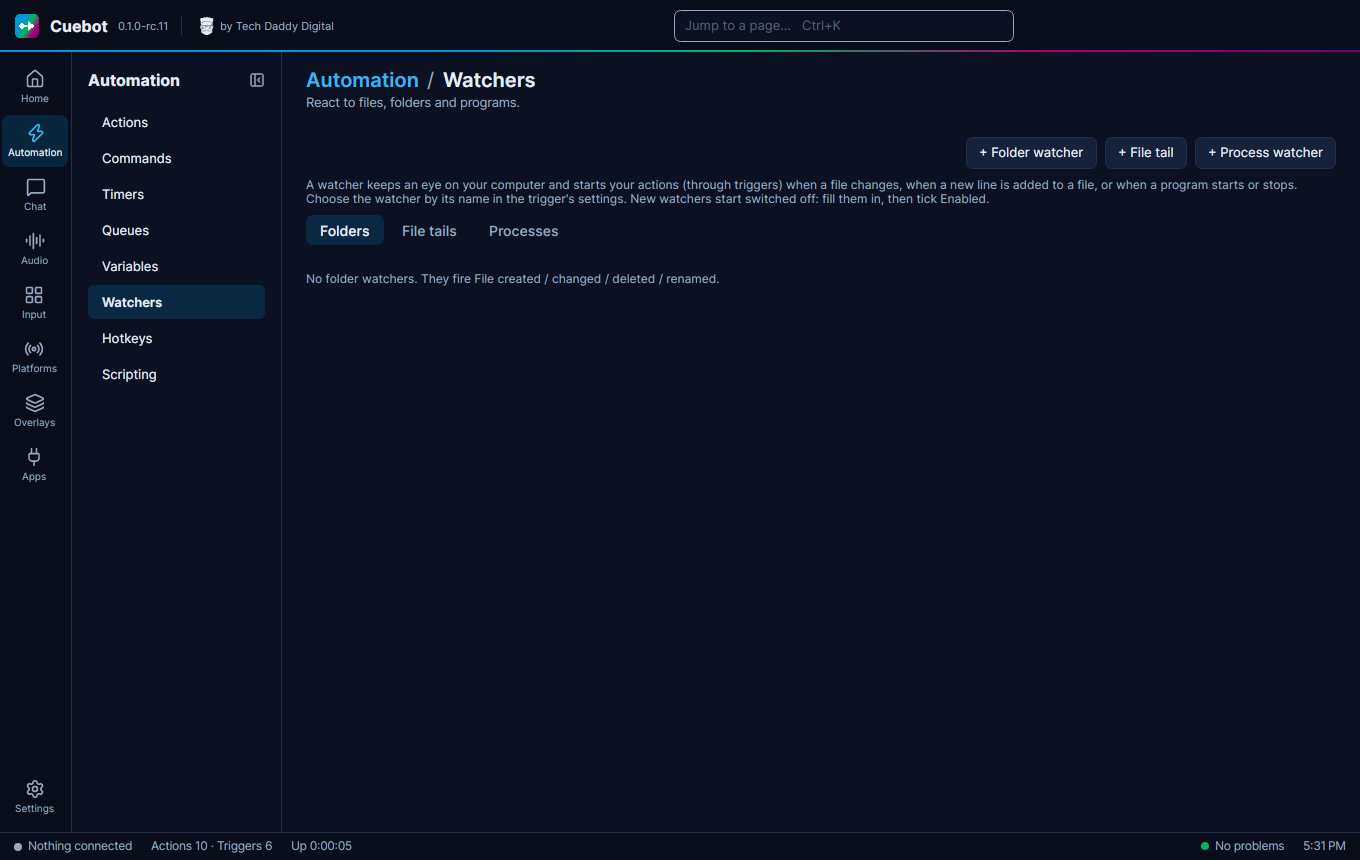
The three kinds
On Automation > Watchers:
- + Folder watcher: a file appears, changes, is deleted or renamed in a folder. Example: a new screenshot.
- + File tail: a new line is added to a text file. Example: a game writes "You died" to its log.
- + Process watcher: a program starts or stops. Example: switch to the "Gaming" scene when your game opens.
Their settings
A folder watcher can also look in folders inside the folder (Include subfolders), and Fire on: picks which changes count: created, changed, deleted or renamed. A file tail can Skip empty lines.
A process watcher does not fire "started" for programs that were already running when Cuebot started.
Then add the matching trigger to an action (like File created, File tail line or Process started) and pick the watcher by its name.