Tips and donations
Cuebot can hear about tips, donations and purchases, and turn each one into a trigger. Example: someone tips $5 on Streamlabs, and Cuebot thanks them in chat and shows an alert. Keys and tokens you type in are hidden on screen, stored locked (encrypted) on your computer, and never written to the log.
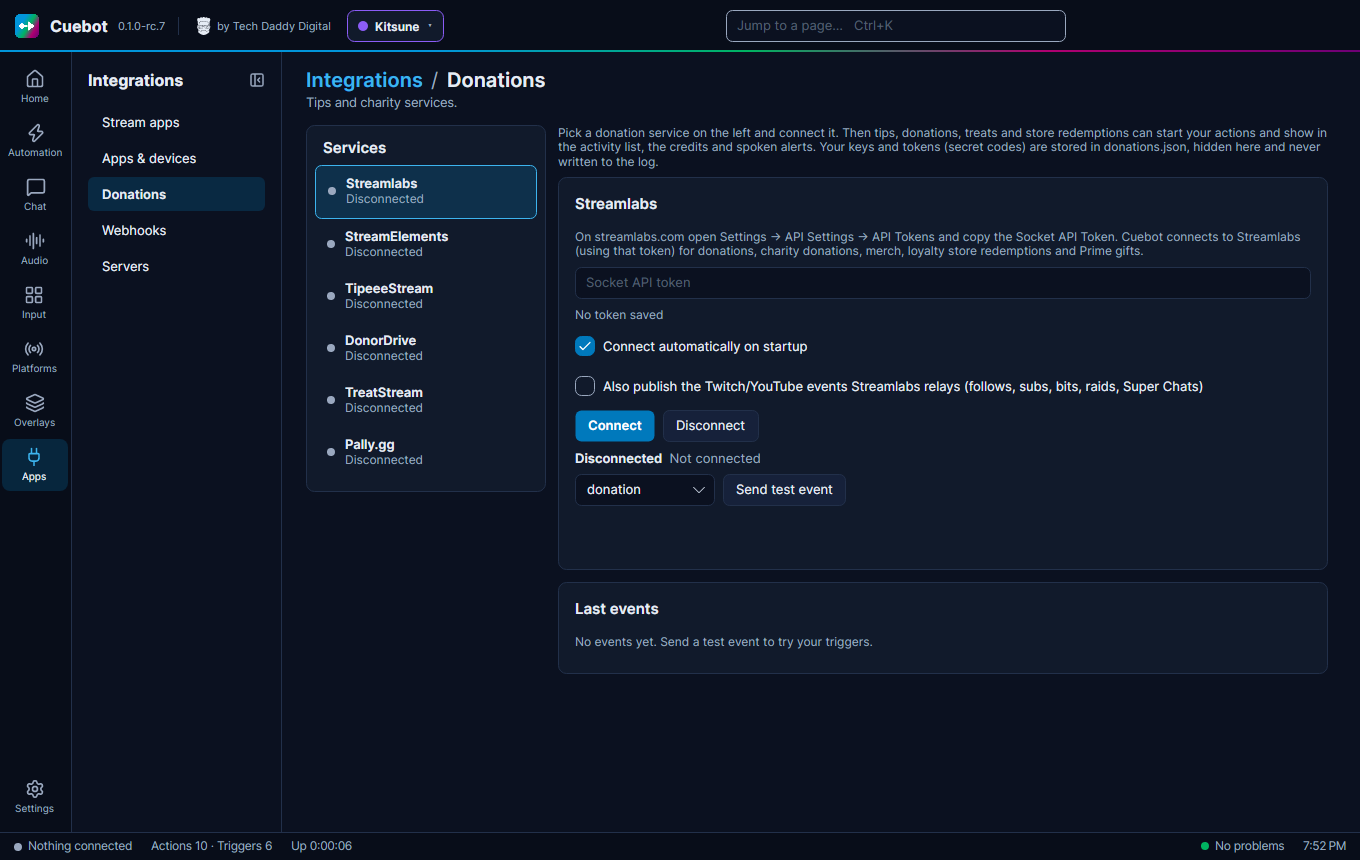
Connect a service
Go to Apps > Donations. Pick a service on the left.
| Service | What to paste |
|---|---|
| Streamlabs | On streamlabs.com open Settings > API Settings > API Tokens and copy the Socket API Token. |
| StreamElements | On streamelements.com open your account, then Channels, choose Show secrets and copy the JWT Token. |
| TipeeeStream | The API key from your TipeeeStream account's API page. |
| Pally.gg | On pally.gg open Dashboard > Settings > API Keys and make a key for Cuebot. |
| DonorDrive (Extra Life and other charities) | No key: the charity site's address and your Participant or team id (the number in your fundraising page's address). |
| TreatStream | Nothing to paste: click Sign in with TreatStream and allow Cuebot in your browser. |
Then:
- Click Connect.
- Tick Connect automatically on startup.
- Click Send test event to check that your actions react.
Each tip then starts triggers (look in the trigger reference under the service's name), and shows up in your alerts, credits and spoken events.
Partly checked
Streamlabs and StreamElements connected for real, and DonorDrive read a real Extra Life team. But no real tip or donation has come in through Cuebot yet. Use Send test event to check your actions, and please tell us if a real tip does not show up. See What's experimental.
Ko-fi, Patreon, Throne, Fourthwall and Shopify work differently: they send webhooks. See Webhooks.