Goals
A goal ladder collects points towards steps. For example: a new emote at 10 points, another at 20, a cosplay stream at 50. Subs, bits, tips and other events add the points. It is on Chat > Subathon & Goals, on the Goals tab.
It works on every platform you connected, and it remembers where it is between streams. You can have as many goals as you like, each with its own name.
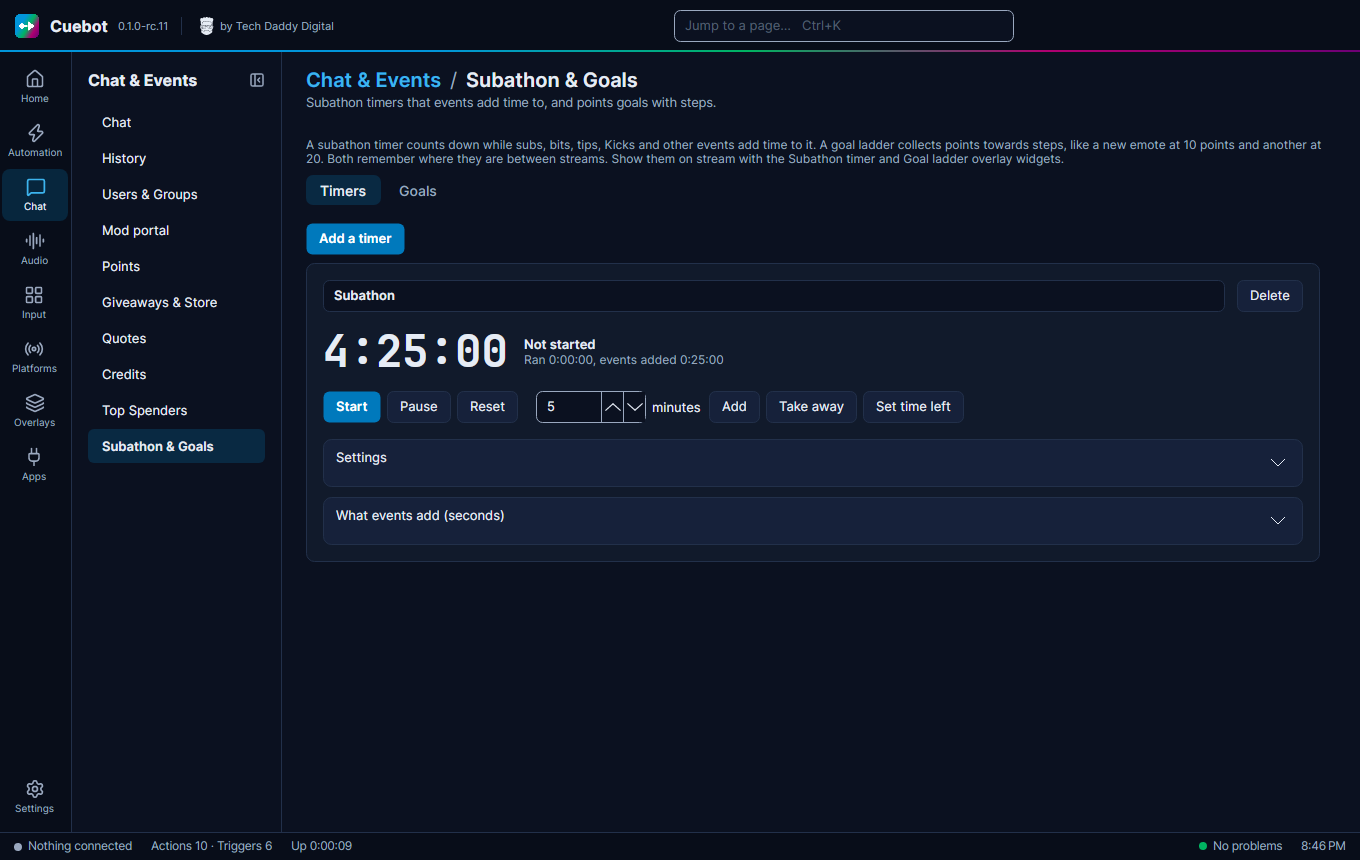
Make a goal
- Click the Goals tab, then Add a goal. Give it a name, like
Emote ladder. - Under Steps, write each step's points and what viewers get, like
10andNew emote. Click Add a step for more. Cuebot keeps the steps in order by points, so you can add them in any order. - Open What events add and set what each event is worth. A new goal counts 1 point per sub.
When the points reach a step, the Goal step reached trigger runs once for that step. If points go down and up again, it does not run twice. After the last step, Goal completed runs. Reset to 0 (click twice) makes every step reachable again. Tick Start from 0 each new stream under Settings to reset it by itself. A new stream is when you go live 15 minutes or more after you went offline, so a short disconnect does not count.
What events are worth
What events add works like a subathon timer's list, but in points instead of seconds: each sub, each 100 bits, each 1 of money, each follow, each raid and each channel point reward can add points. 0 means the event does not count. A service's own test button (like Send test event) never adds points. The sample events the AI assistant sends with emulate event ("everything") do, so you can try a goal before the stream. The full list, and how money is counted, is under What events are worth.
Each goal also has a Multiplier that everything events add is multiplied by: 2 for double points, 0.5 for half.
See the multiplier.
Show it on stream
Add the Goal ladder widget to an overlay (see Overlays). In its settings, type the goal's name, or leave it empty for the first one.
The Goal ladder shows a bar to the next step, and a list of steps with a tick next to the ones reached.
Commands and alerts
| You want | Use |
|---|---|
!goal in chat |
Get a goal, then a chat message with %goalPoints% points. Next: %goalNextStep% at %goalNextStepPoints% |
| An alert for each step | The Goal step reached trigger. %step% is the step's name |
Scripts can do the same with goals.* (see Script functions).
The phone app shows your goals on its Dashboard, where you can add points or Set points… by hand.